
Cmd + Tab Replacement for Mac
PullTab is no longer maintained or supported. I’ve removed broken links within this article….
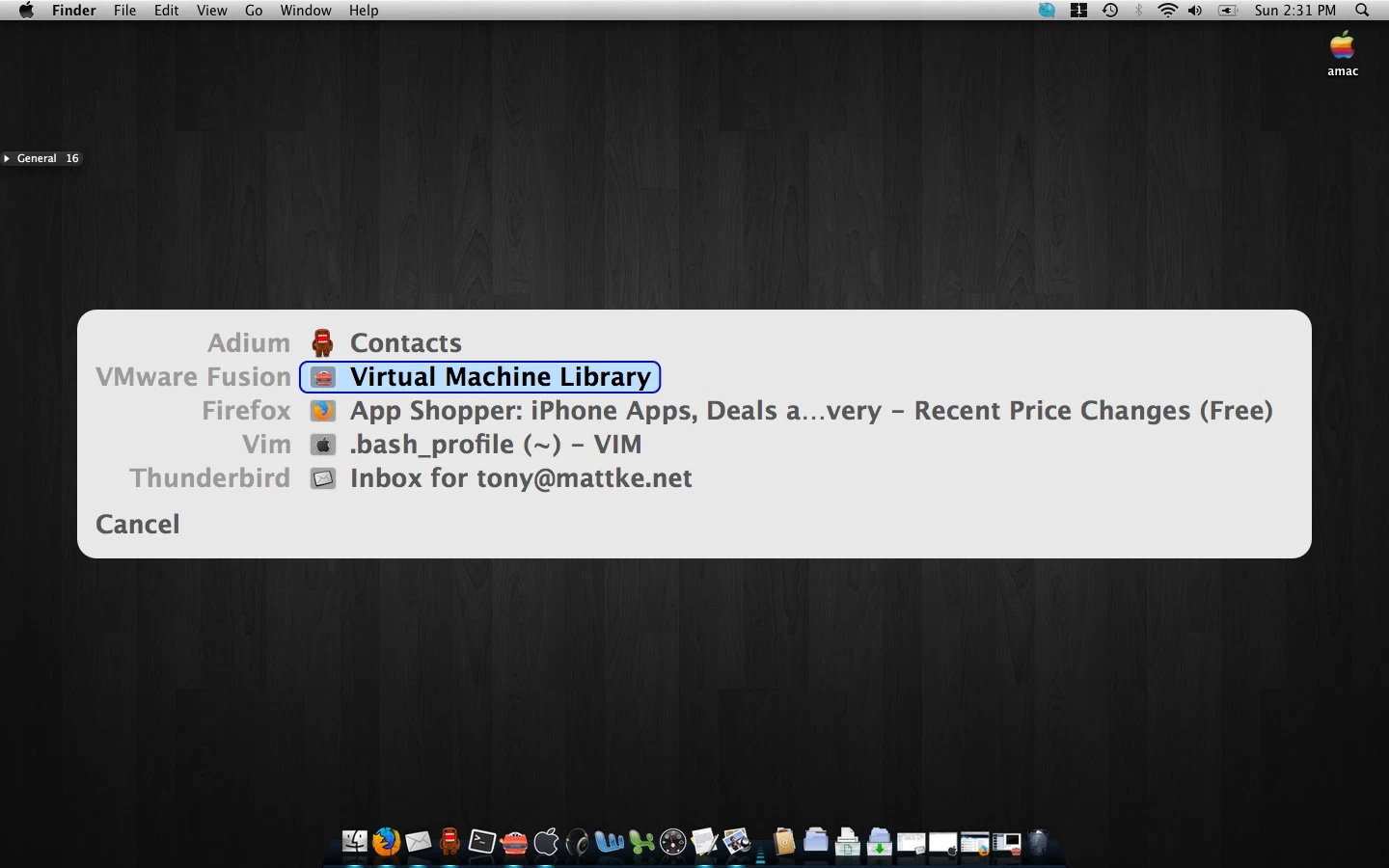
I’ve never liked the Mac OS X Command Tab application specific switching style… today, I found a few things to help ease the pain. The program in question is called Witch. A rather detailed, very versitile little program. Unfortunatly, you are unable to bind this to Cmd+Tab by default. But with the help of another application, plus a plugin, all is well. Go ahead and install Witch, and then go grab APE, install it, reboot :(, and then download PullTab. Open it up, and copy PullTab.ape to ~/Library/Application Enhancers/ (create this directory if it’s not there)… again, you’ll need to reboot or logout/in :(
After the song and dance of getting everything installed you can open up System Preferences. You’ll see two new items under Other. Application Enhancements, and Witch. Lets open up Application Enhancements, and make sure PullTab is enabled. Afterward, Command+Tab should no longer switch between applicatoins, and you should be able to open up the preferences for Witch. I have a very simple configuration applied. First, I checked Enable Witch. Second, I set the Forward, All Applications Trigger to Cmd+Tab (you may get a warning, just press ok). Third, under Behavior, I set ‘Sort windows by’ to window activity order.. last, but possibly most important, choose, or create a theme without transparency. Even on my ‘late 2008’ MacBook Pro 2.5 w/4GB memory the transparency option slows Witch up beyond usability when lots of window changes have been made since last invoking witch.. to me, this makes it unusable.
New posts in your inbox when they publish. No digest, no marketing.